
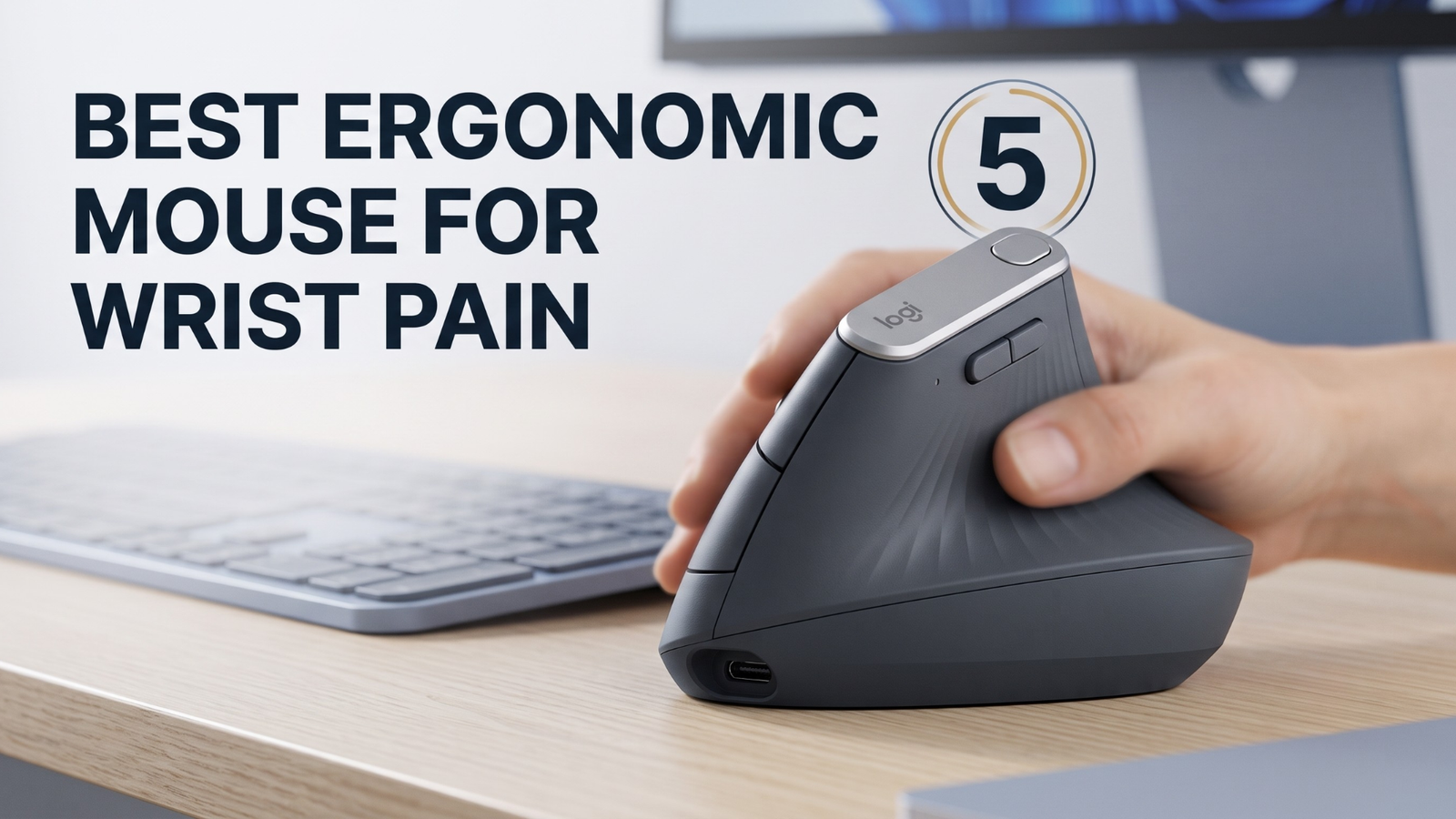
Finding the best ergonomic mouse for wrist pain is essential if you spend more than four hours a day working at a computer and experience a dull ache in your wrist, tightness in your forearm, or tingling in your fingers. These warning signs of Repetitive Strain Injury (RSI) or Carpal Tunnel Syndrome are caused by the unnatural “palm-down” posture of traditional mice.
By tilting your hand into a natural “handshake” position, a vertical ergonomic mouse reduces muscle activity in your forearm by up to 10% and removes pressure from the carpal tunnel nerve, which is backed by scientific ergonomic research. In this guide from the Readlyze team, we compare the top 5 vertical ergonomic mice on Amazon for 2026, analyzing their comfort, sizing, features, and pricing to help you find the perfect fit for your hand.
Finding the Best Ergonomic Mouse for Wrist Pain
1. Logitech MX Vertical (Best Overall)
If you are looking for the absolute best ergonomic mouse for wrist pain, the MX Vertical is the gold standard pointer device. Developed in partnership with leading ergonomists, its unique 57-degree vertical tilt mimics a relaxed handshake posture. This specific angle is scientifically proven to reduce muscular strain without compromising productivity.
- Weight: 135g
- Battery Life: Up to 4 months on a full USB-C charge (3 hours of use from a 1-minute quick charge)
- Sensor: High-precision 4000 DPI sensor (reduces hand movement requirements by 4x)
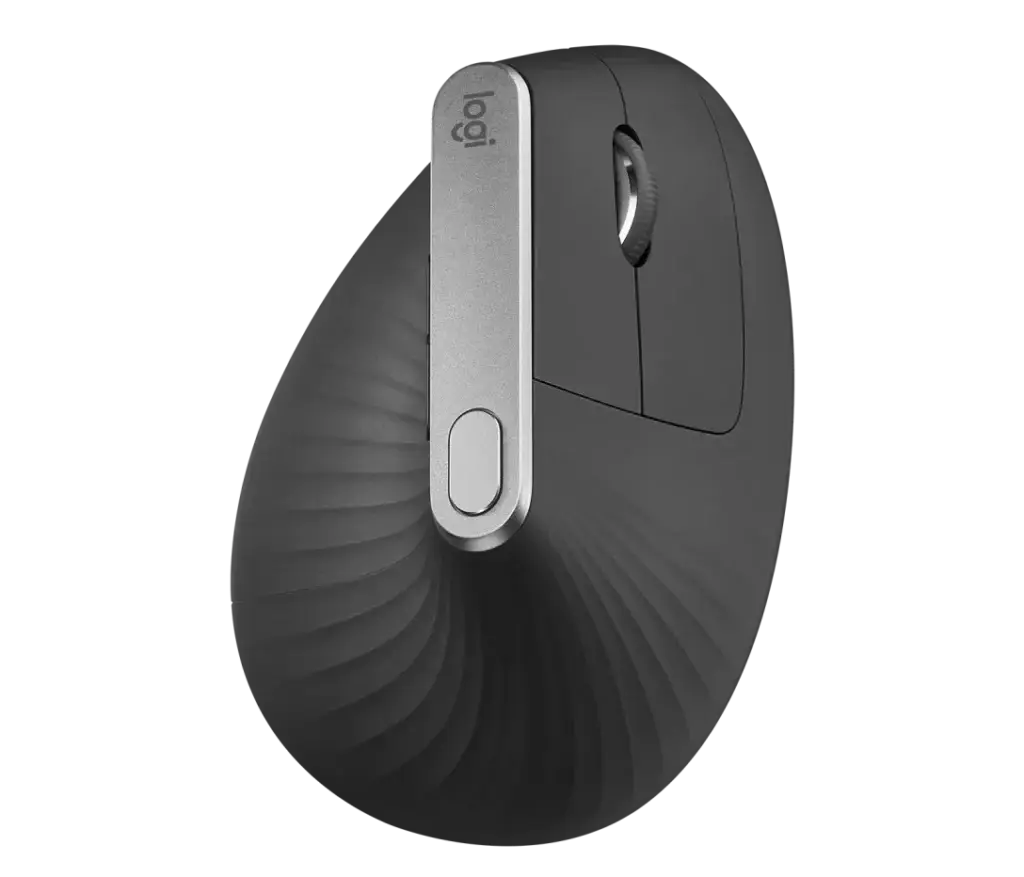
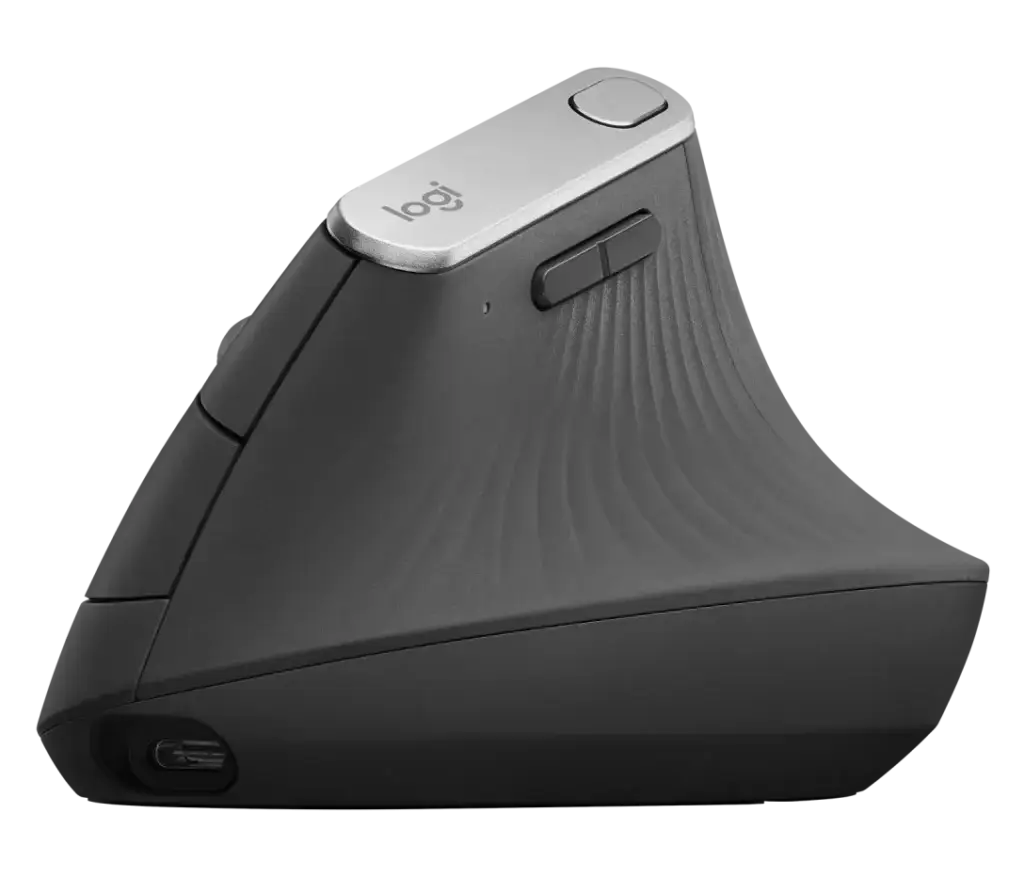
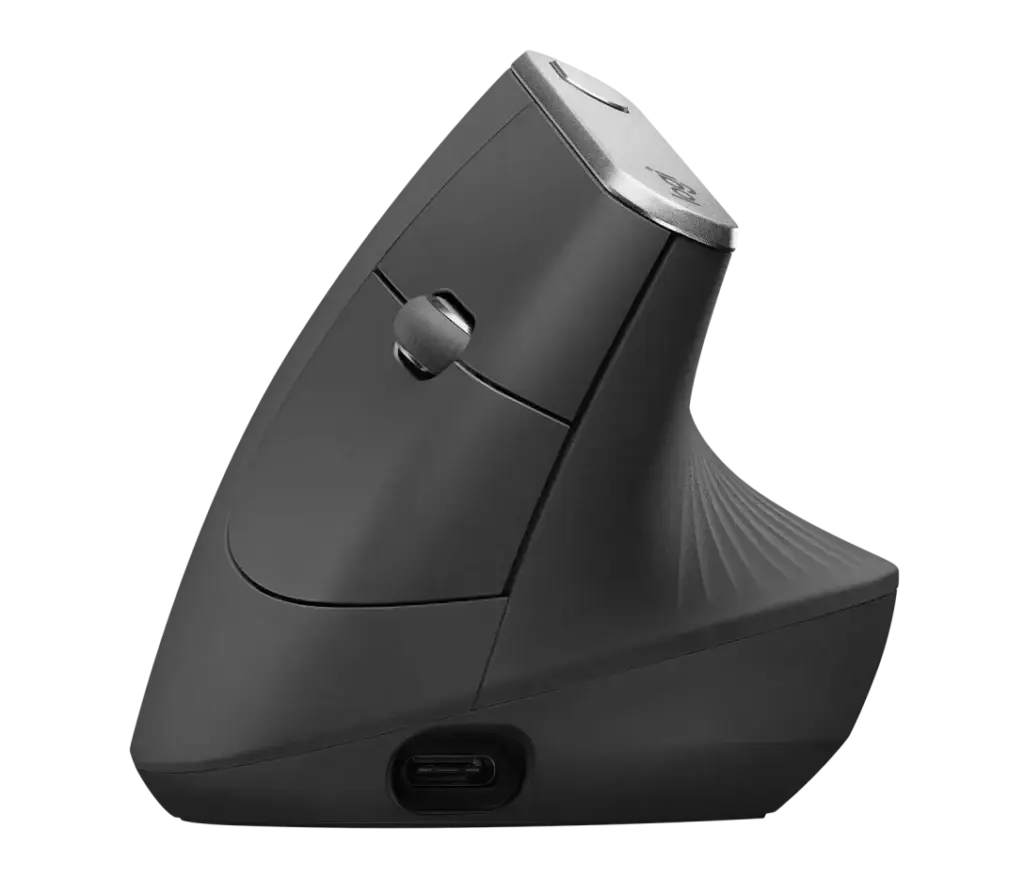
Pros & Cons:
2. Logitech Lift Vertical (Best for Small to Medium Hands)
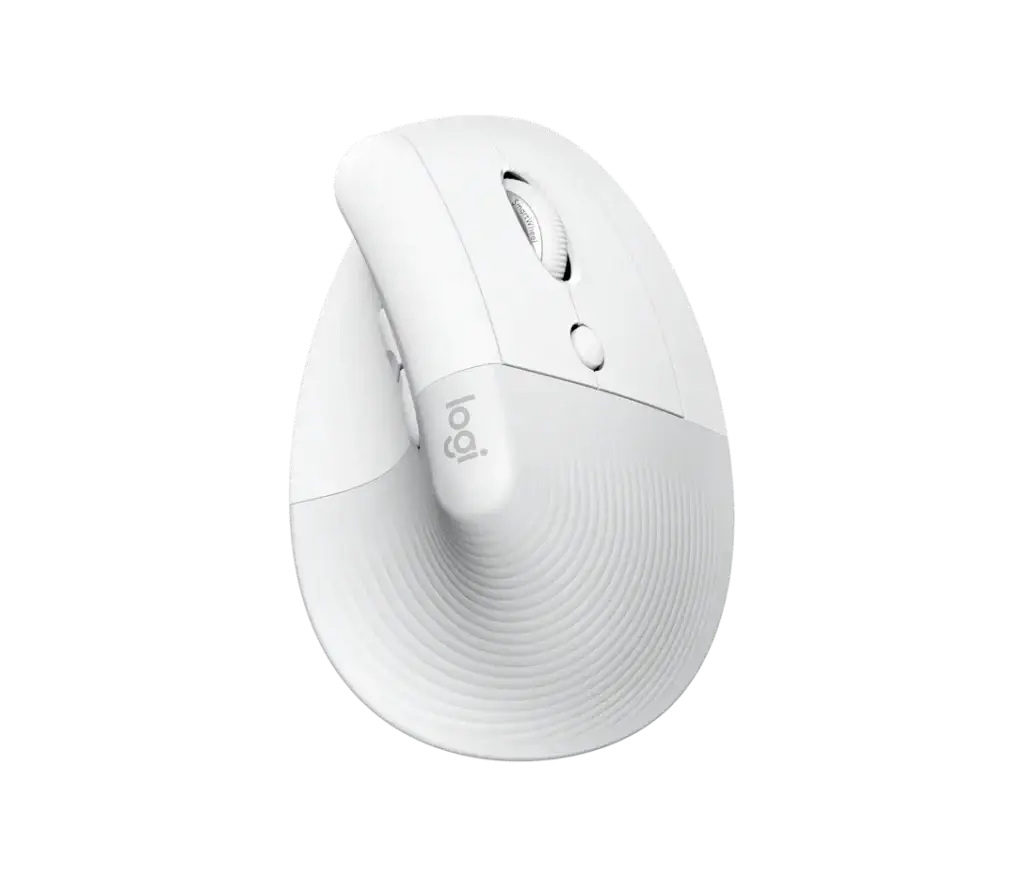
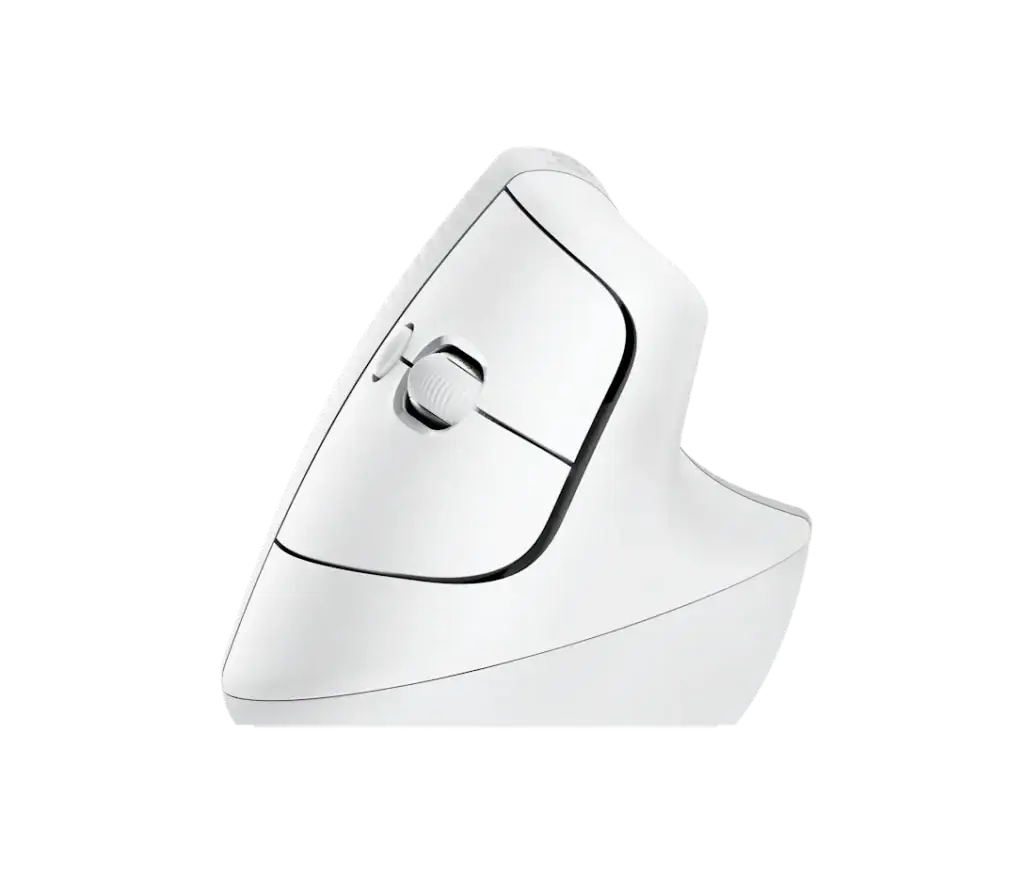
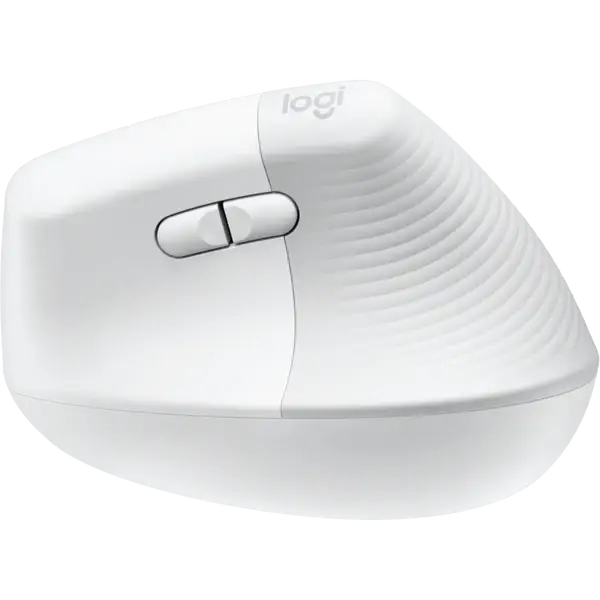
For users with smaller hands, the Logitech Lift is the best ergonomic mouse for wrist pain relief without feeling bulky. It retains the identical 57-degree handshake angle but shrinks the physical body by about 20%. It also features whisper-silent click buttons and a magnetic scroll wheel that automatically shifts between precision and hyper-fast scrolling.
- Weight: 125g
- Battery Life: Up to 2 years on a single AA battery (included)
- Special Models: Available in dedicated Left-Handed versions and three distinct colors.
Pros & Cons:
3. Anker Wireless Vertical (Best Budget Pick)
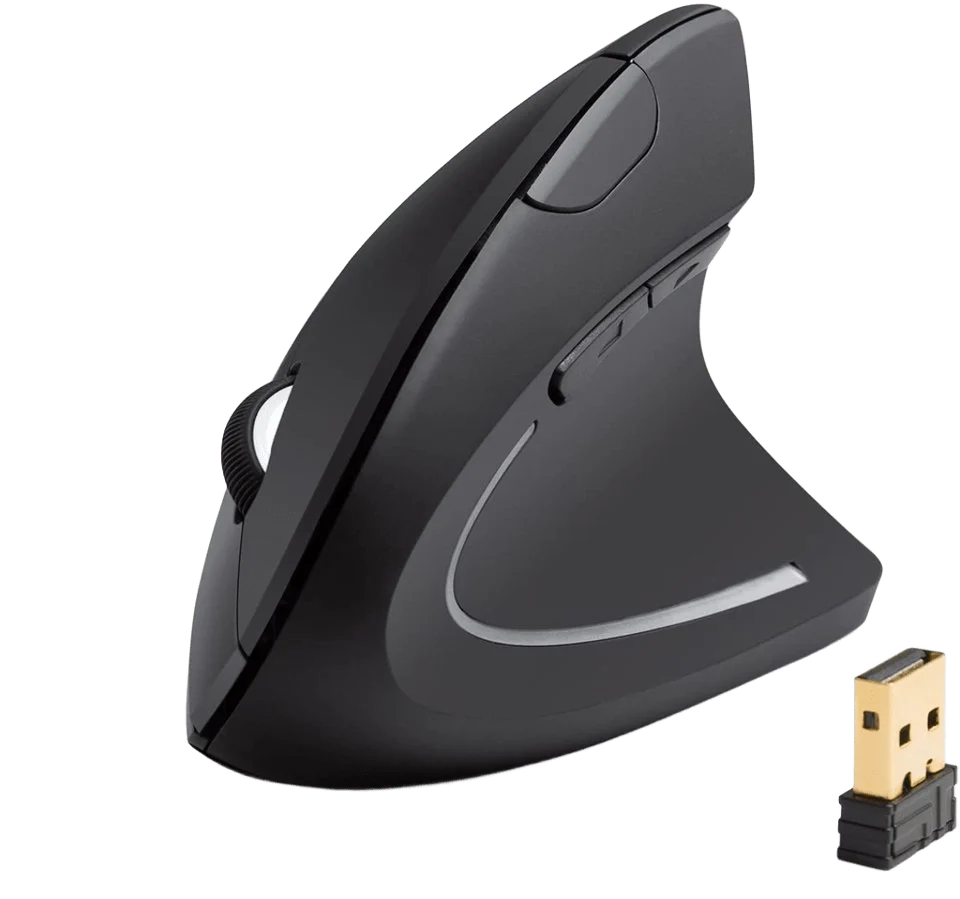
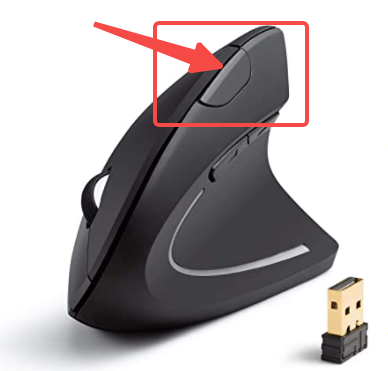
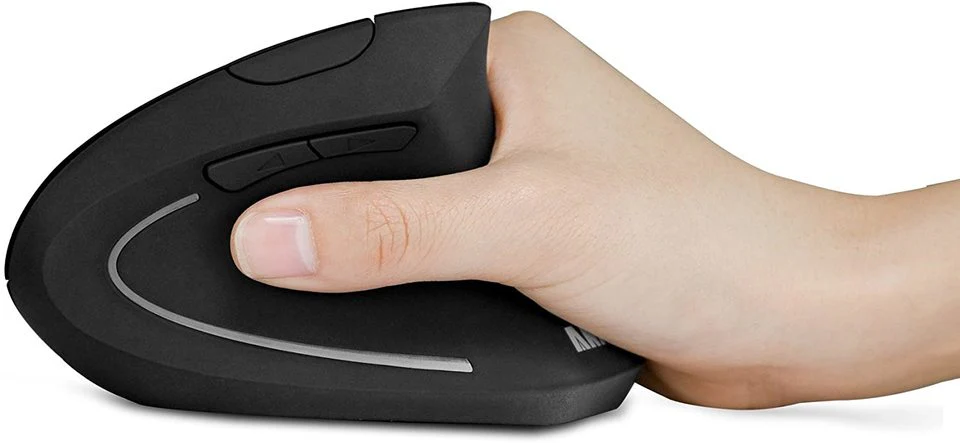
For those looking to try a vertical mouse without a major financial investment, the Anker Wireless Vertical has been a favorite budget-friendly wrist pain mouse for years. It features a gentler 45-degree slope and a comfortable thumb rest that keeps your hand elevated off the desk surface. While it lacks premium software features, its basic ergonomic posture is highly effective.
- Weight: 95g
- Power: Runs on 2 AAA batteries (not included)
- DPI: 3 adjustable levels (800 / 1200 / 1600 DPI)
Pros & Cons:
4. Contour Design UniMouse (Best Customization)
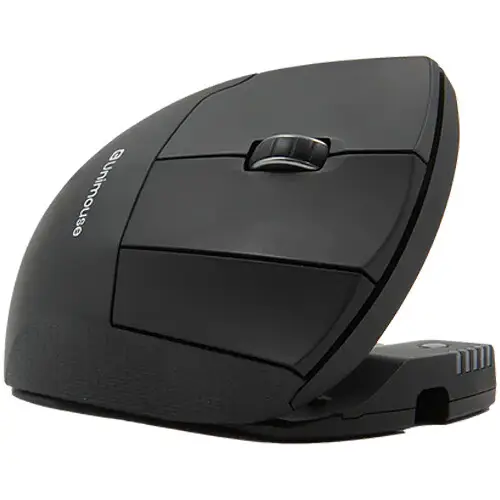
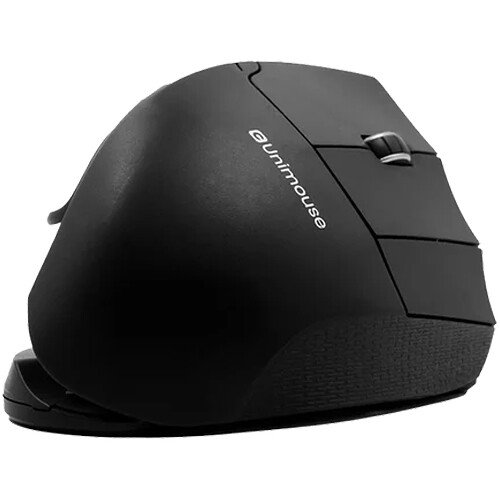
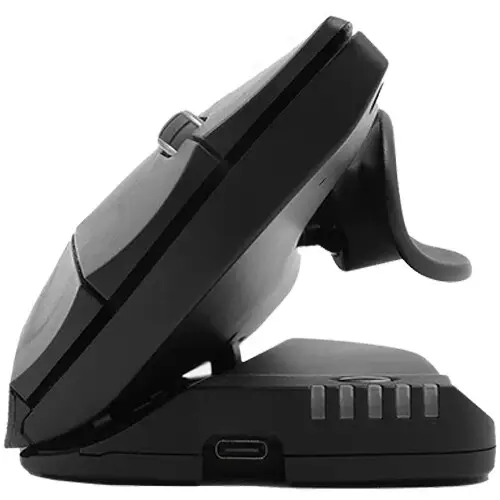
No two hands are identical, and that is where the Contour UniMouse excels. Instead of forcing you into a fixed angle, it features an adjustable friction hinge that lets you tilt this vertical ergonomic mouse anywhere between 35 and 70 degrees. It also features an adjustable thumb support that can be extended, rotated, and angled to reduce grip pressure.
- Weight: 128g
- Angle Adjustment: Continuous from 35° to 70°
- Sensors: 10 DPI levels (800 to 2800 DPI)
Pros & Cons:
5. Razer Pro Click Wireless (Best for Precision & Design)
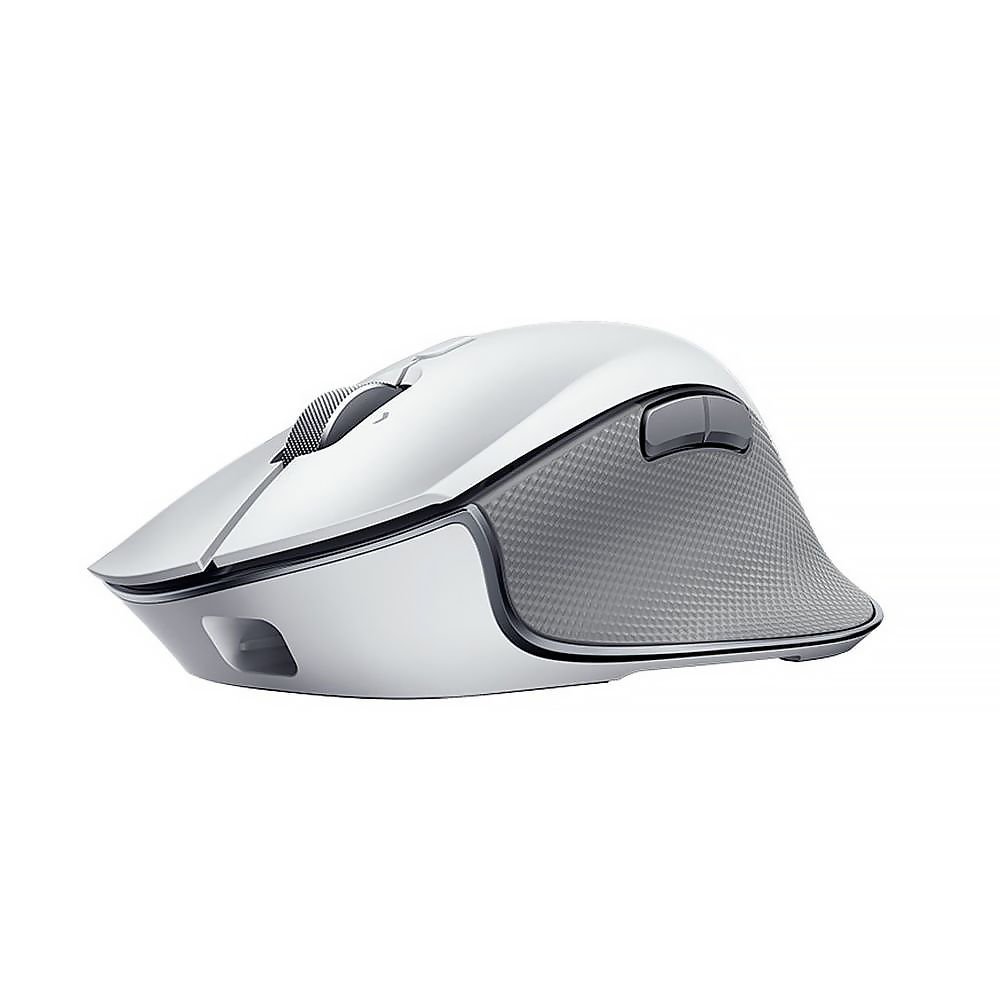
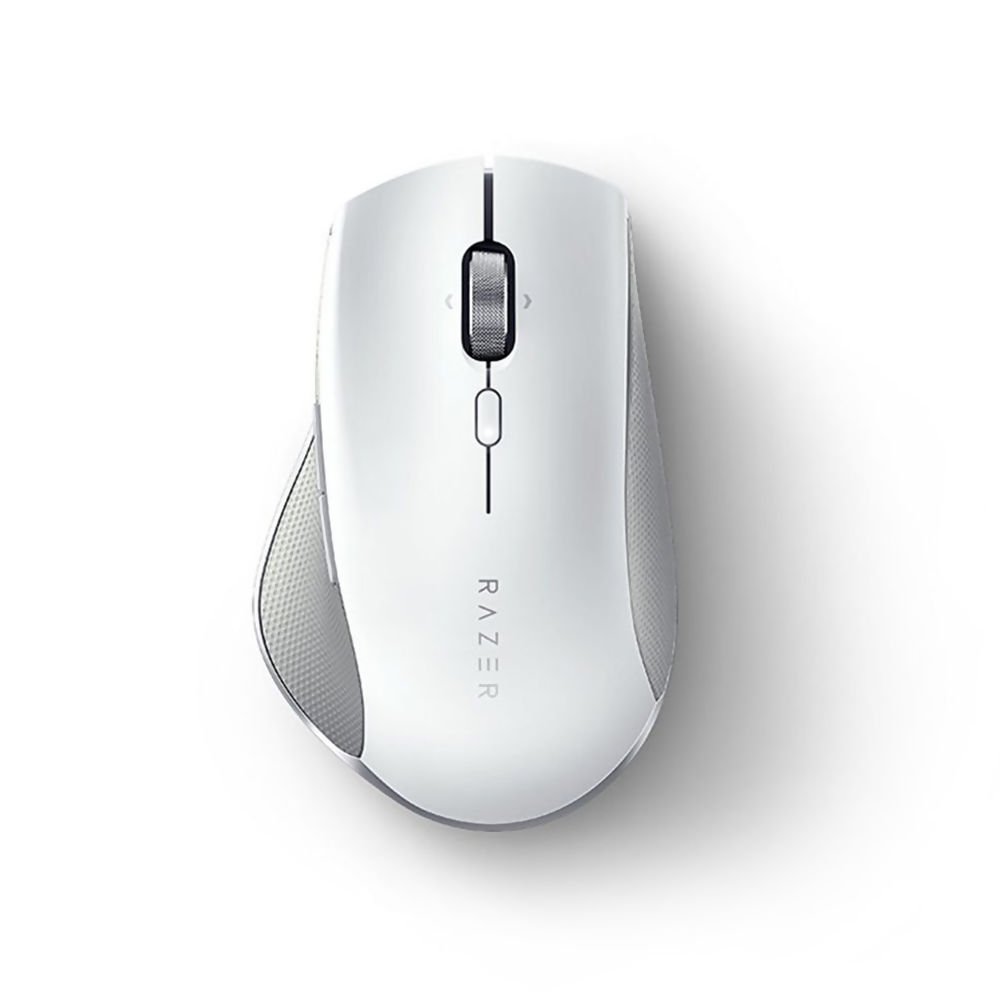
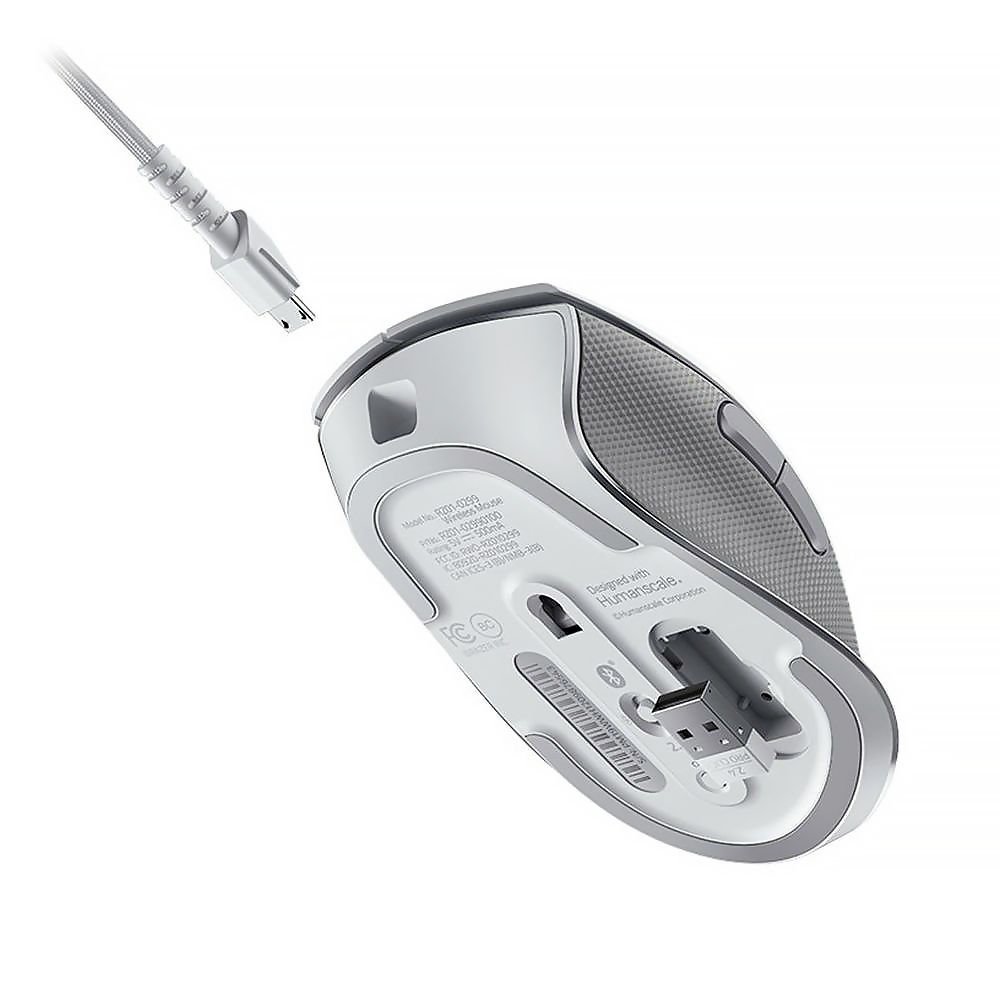
The Razer Pro Click is a collaboration between gaming gear giant Razer and Humanscale, the world’s leading manufacturer of office ergonomics. While it is not a fully vertical mouse, it features a 30-degree tilt that matches the natural angle of your arm at rest. It is engineered for professionals (like graphic designers and programmers) who need high tracking precision alongside ergonomic support.
- Weight: 99g
- Sensor: Razer 5G Advanced Optical Sensor (16,000 DPI)
- Durability: Switches rated for 50 million clicks
Pros & Cons:
Buyer’s Guide: How to Choose the Right Vertical Mouse
When selecting the best ergonomic mouse for wrist pain, keep these three factors in mind to ensure a pain-free setup:
1. Measure Your Hand Size
Using a mouse that is too large or too small can worsen wrist pain.
- How to measure: Measure from the base of your palm to the tip of your middle finger.
- Under 7 inches (17.8 cm): Choose the Logitech Lift.
- Over 7.5 inches (19 cm): Choose the Logitech MX Vertical or Anker Vertical.
2. Understanding the Grip Angle
- 30° to 45° (Razer Pro Click, Anker): Great for users transitioning from a standard mouse. It offers good precision while reducing horizontal wrist twist.
- 57° to 70° (Logitech MX/Lift, Contour UniMouse): The optimal posture for alleviating active carpal tunnel pain and forearm tightness. It maximizes the “handshake” position.
3. The Adjustment Period
Do not be discouraged if your new vertical mouse feels awkward on day one. It typically takes 3 to 5 days for your forearm muscles to build muscle memory for the new handshake posture.
Frequently Asked Questions (FAQ)
Does a vertical mouse really help with carpal tunnel?
Yes. A traditional mouse forces you to twist your forearm (pronation), which pinches the median nerve in your wrist’s carpal tunnel. A vertical mouse keeps your wrist in a neutral handshake posture, relieving this compression and reducing active pain.
Can you use a vertical mouse for gaming?
You can use it for casual and strategy gaming. However, for fast-paced shooters (FPS) requiring instant twitch motions, vertical mice are less optimal because they use larger arm movements rather than small wrist adjustments. For a hybrid setup, the Razer Pro Click is the best choice.
How do I know if I need a left-handed vertical mouse?
If you are left-handed, you must purchase a dedicated left-handed model (like the Logitech Lift Left-Handed or Contour UniMouse Left Handed). Vertical mice are highly sculpted and asymmetrical, meaning a right-handed model cannot be used with your left hand.